

Managing Your Subscriptions
There are two ways to manage your Birdfy cloud service subscriptions:
- On my.birdfy.com.
- Through the Birdfy app on your phone.
1. Managing subscriptions on my.birdfy.com
To subscribe:
- Log in to my.birdfy.com.
- Tap "Birdfy Cloud" on the left menu and select the cloud service you want to subscribe to.
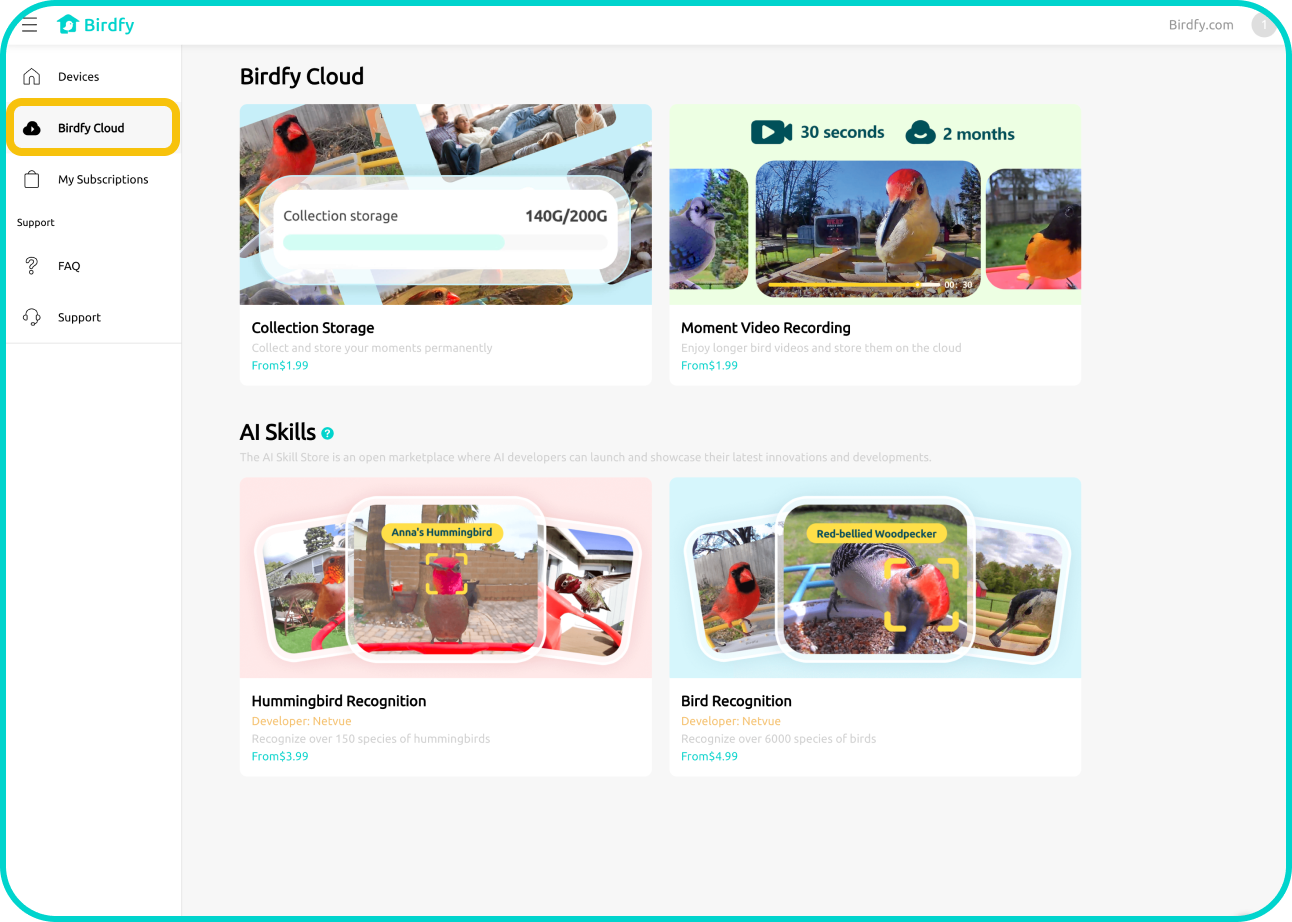
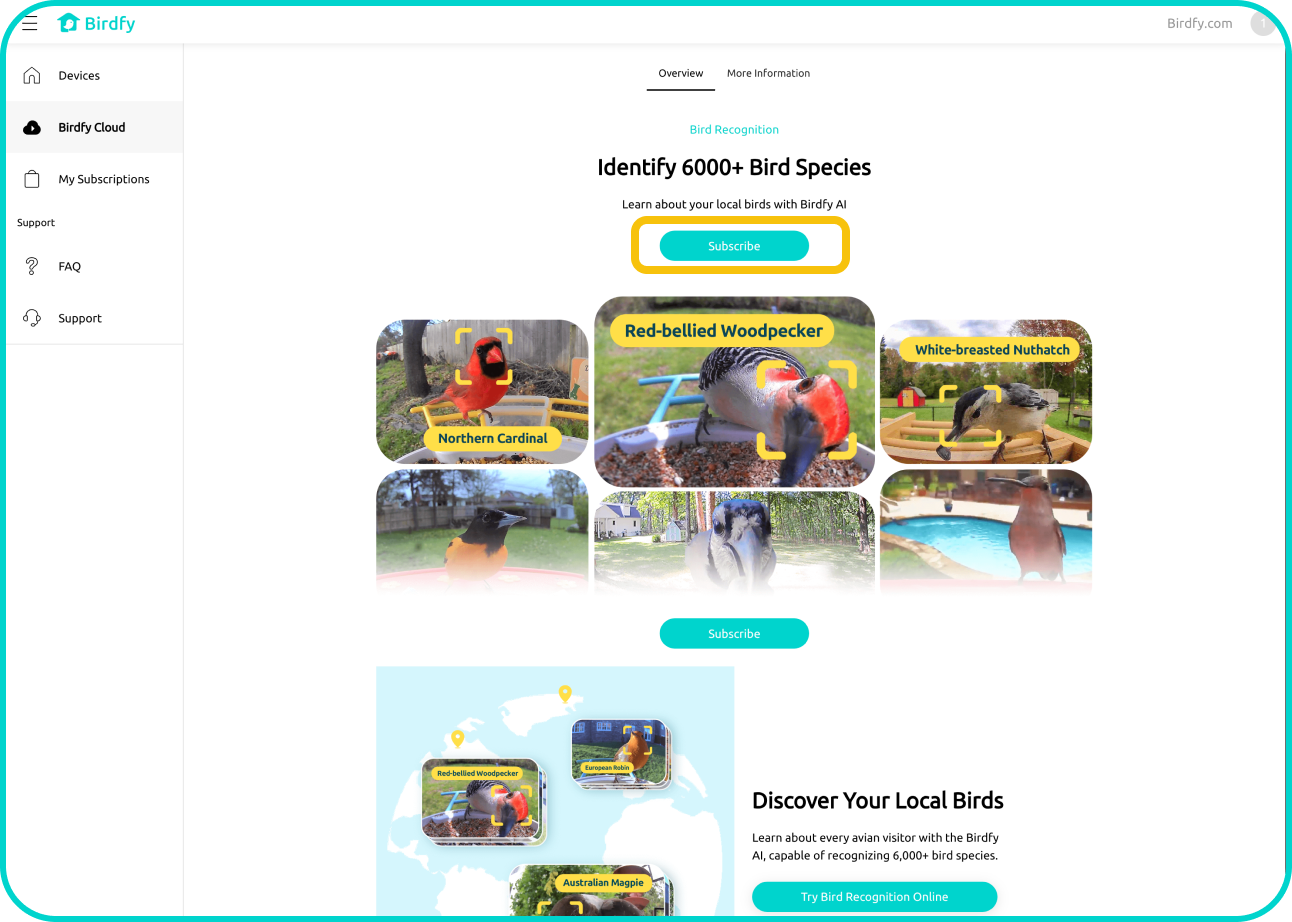
- Tap "Subscribe" to view detailed pricing for each plan.
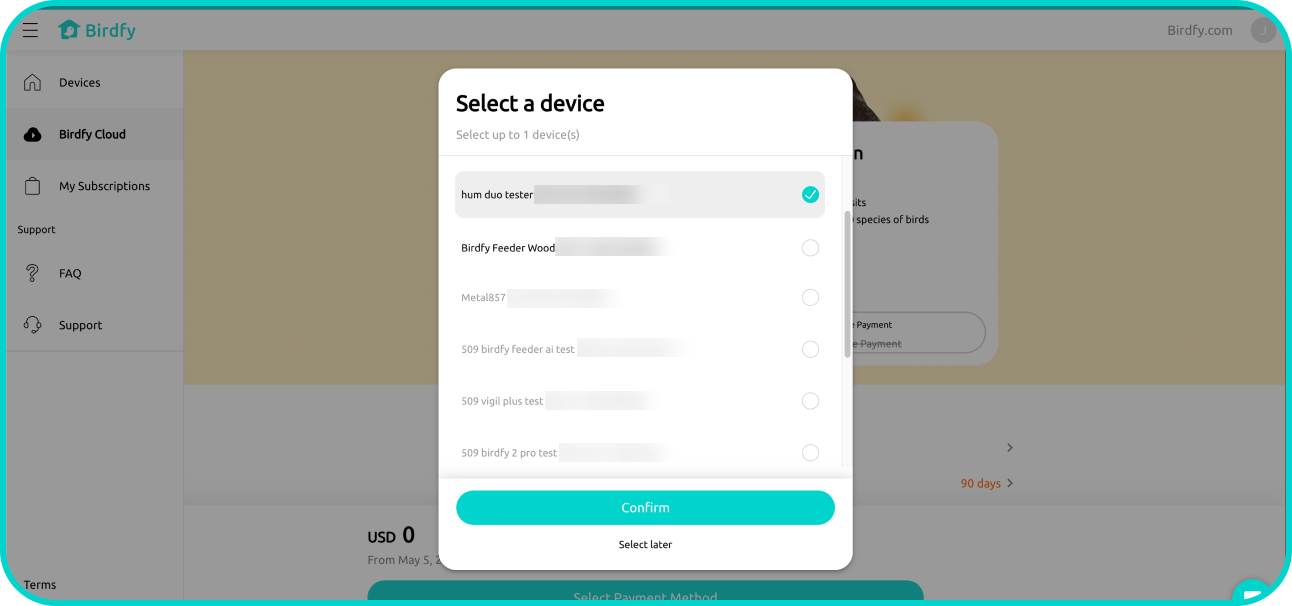
- Select the device to which you want to apply the cloud service.
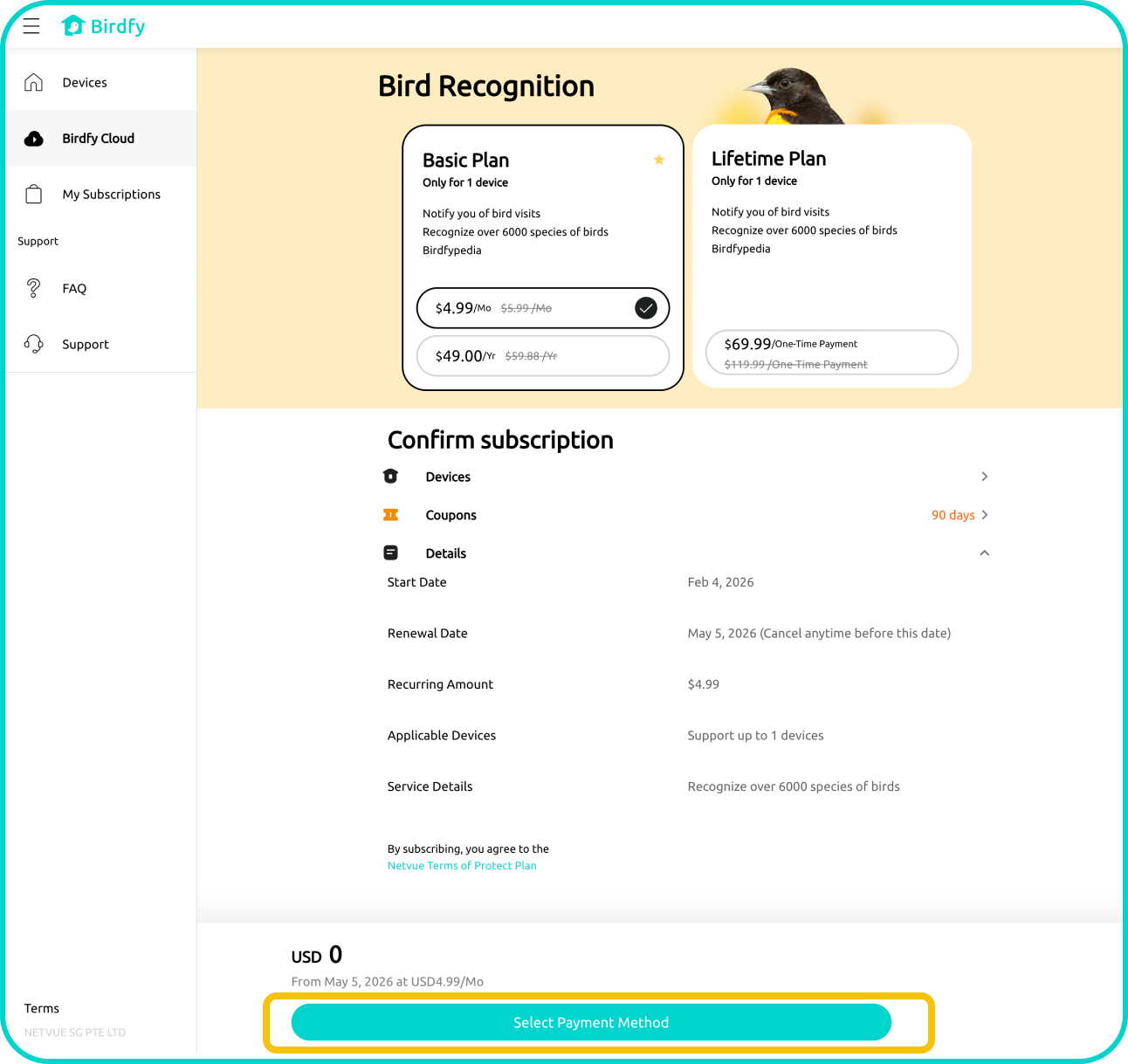
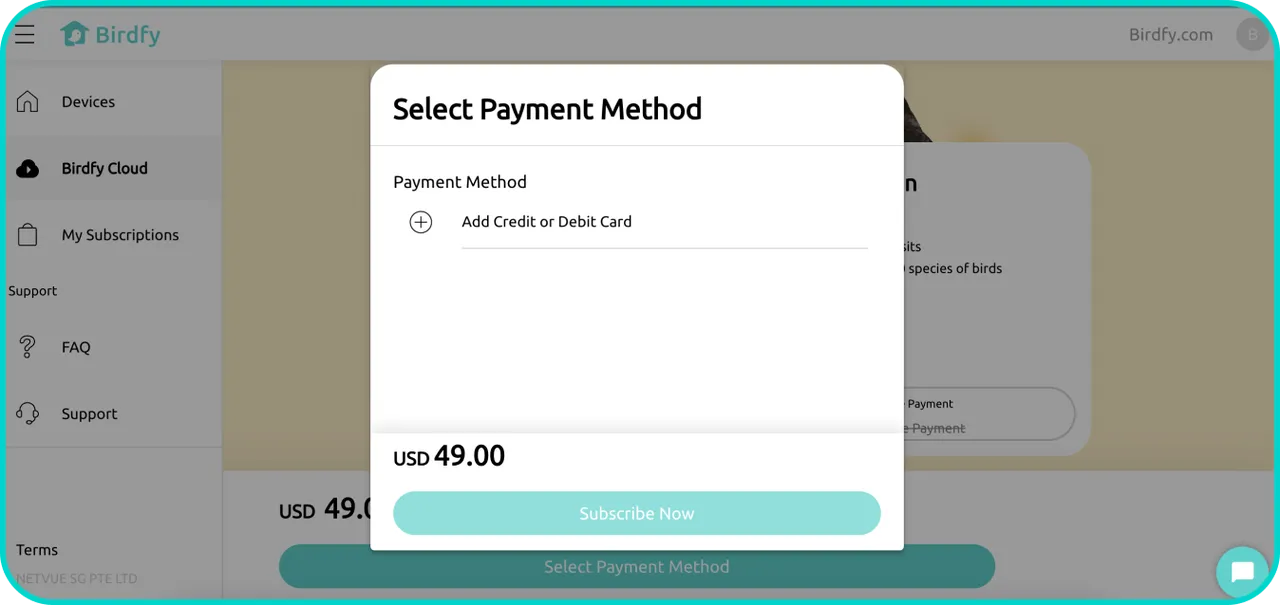
- Choose the plan you wish to subscribe to and tap "Select Payment Method". If you have a coupon, you can apply it at this step.
- Follow the instructions to add your payment method and complete the subscription.
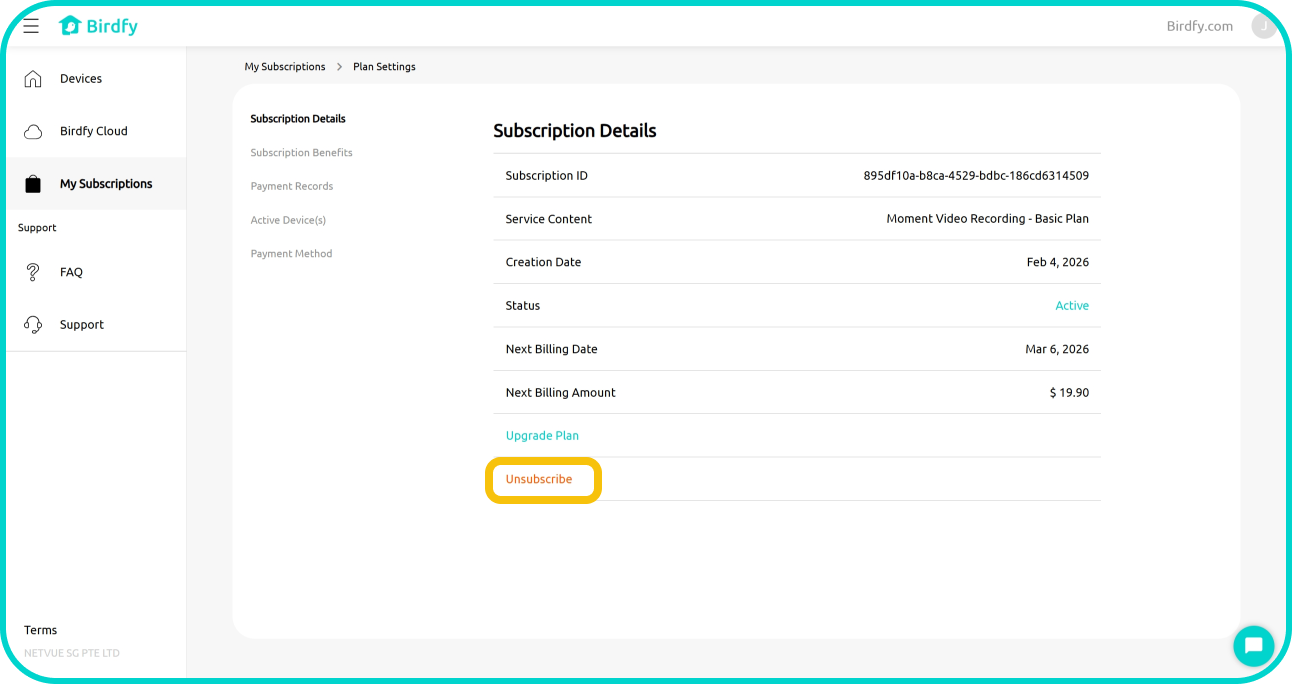
To unsubscribe:
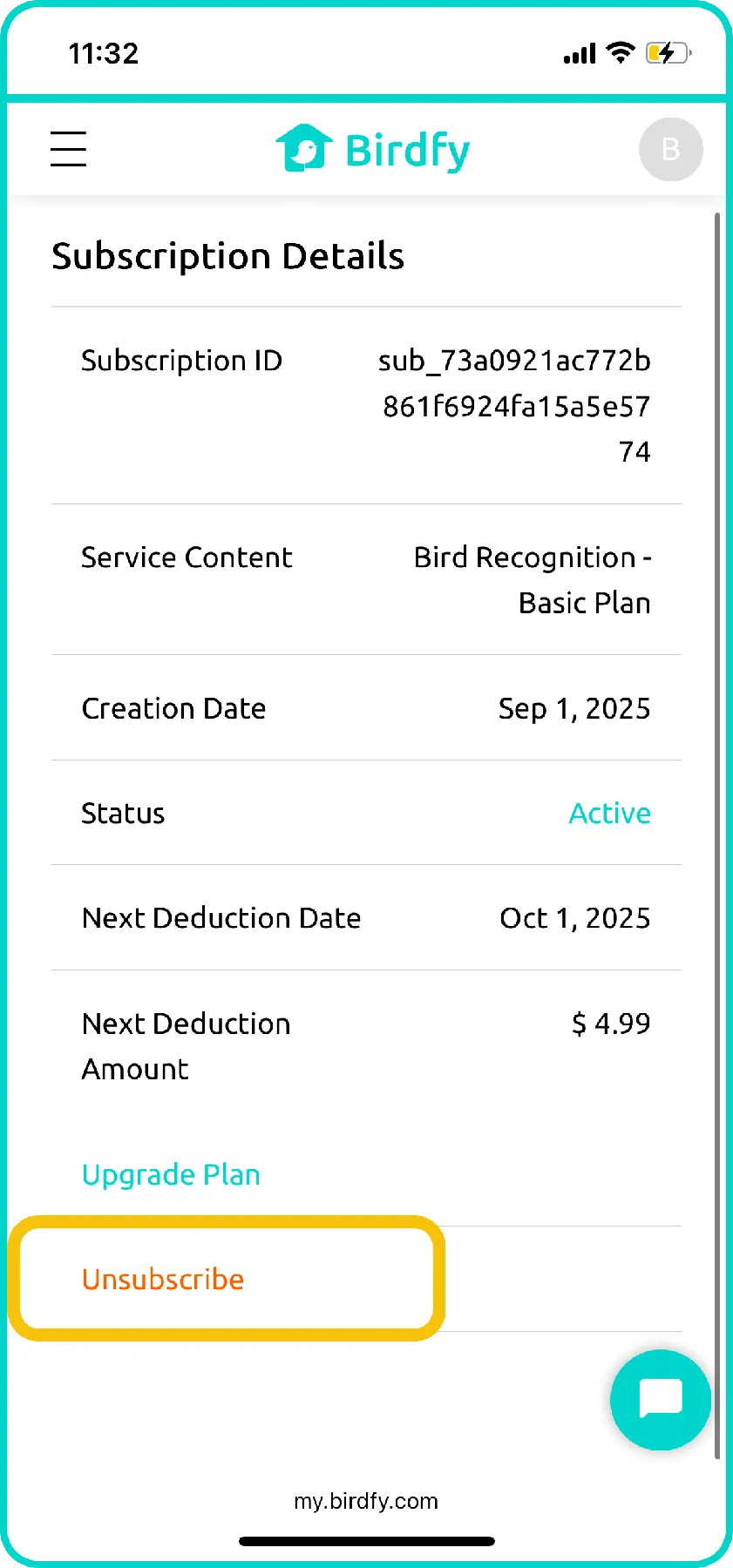
- Tap "My Subscriptions" on the left menu. Select the subscription plan you wish to cancel, and tap "Unsubscribe" at the bottom of the page.
2. Managing Subscriptions in the Birdfy App
To subscribe:
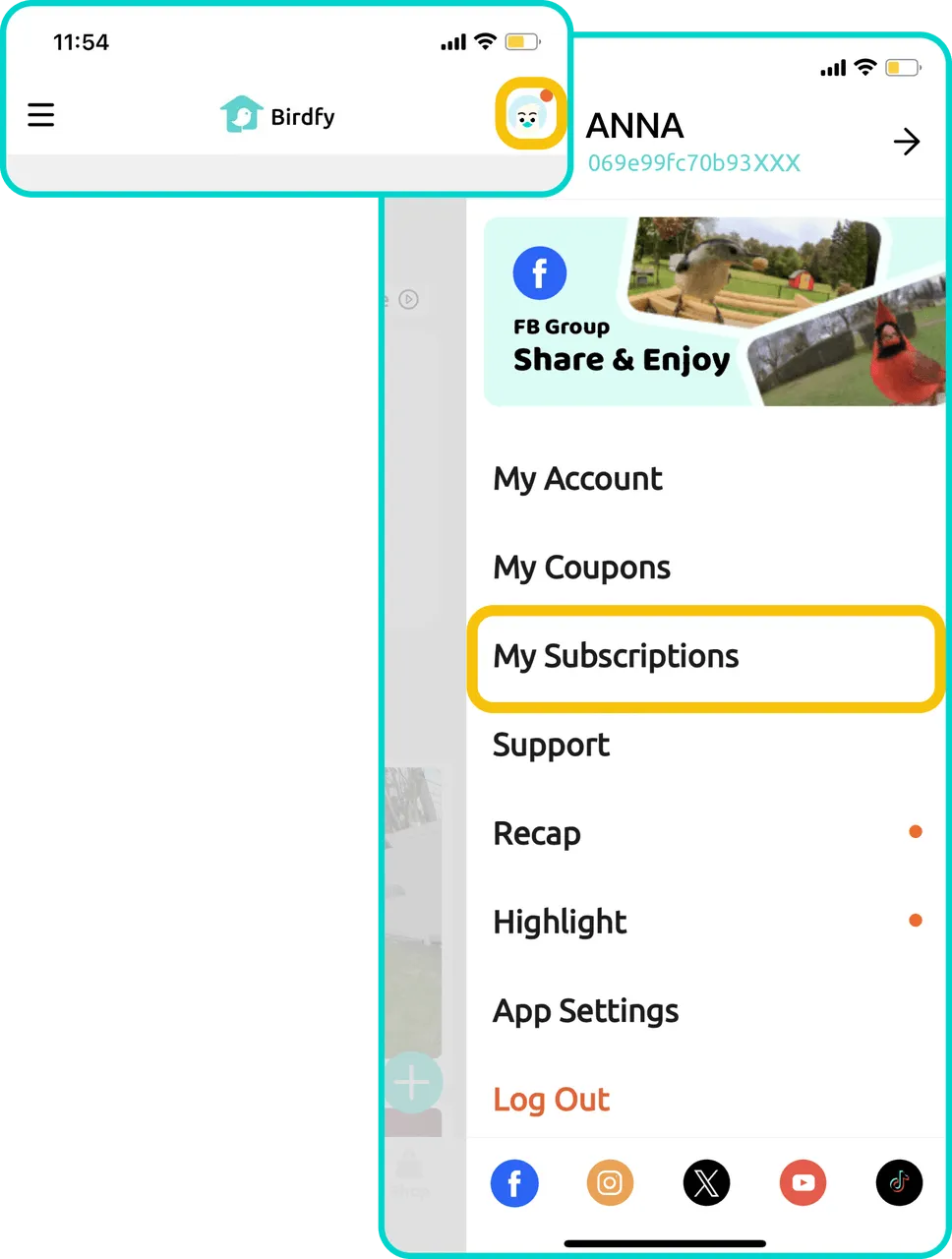
- Open the Birdfy app. Tap the profile icon in the top-right corner to open the side menu, then select "My Subscriptions".
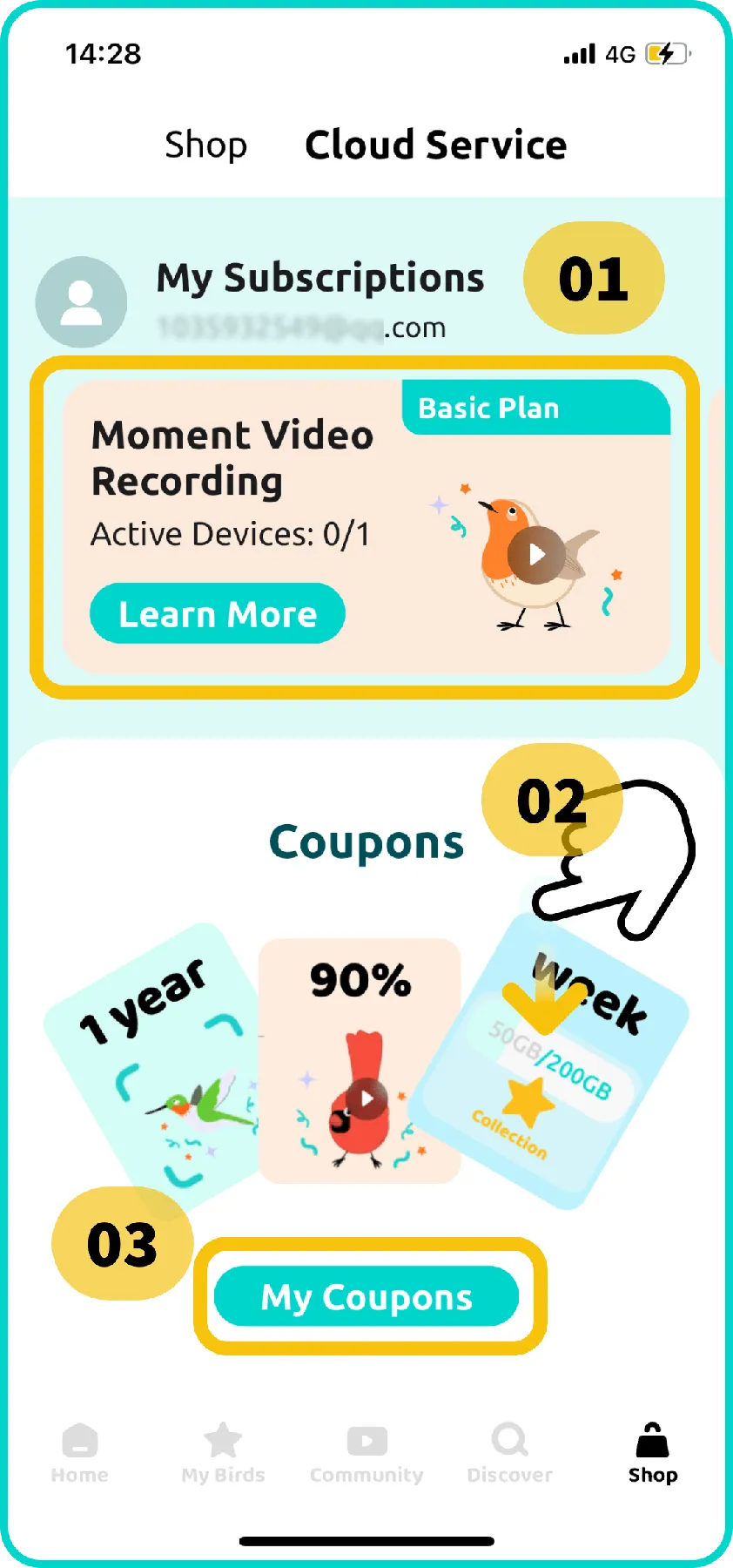
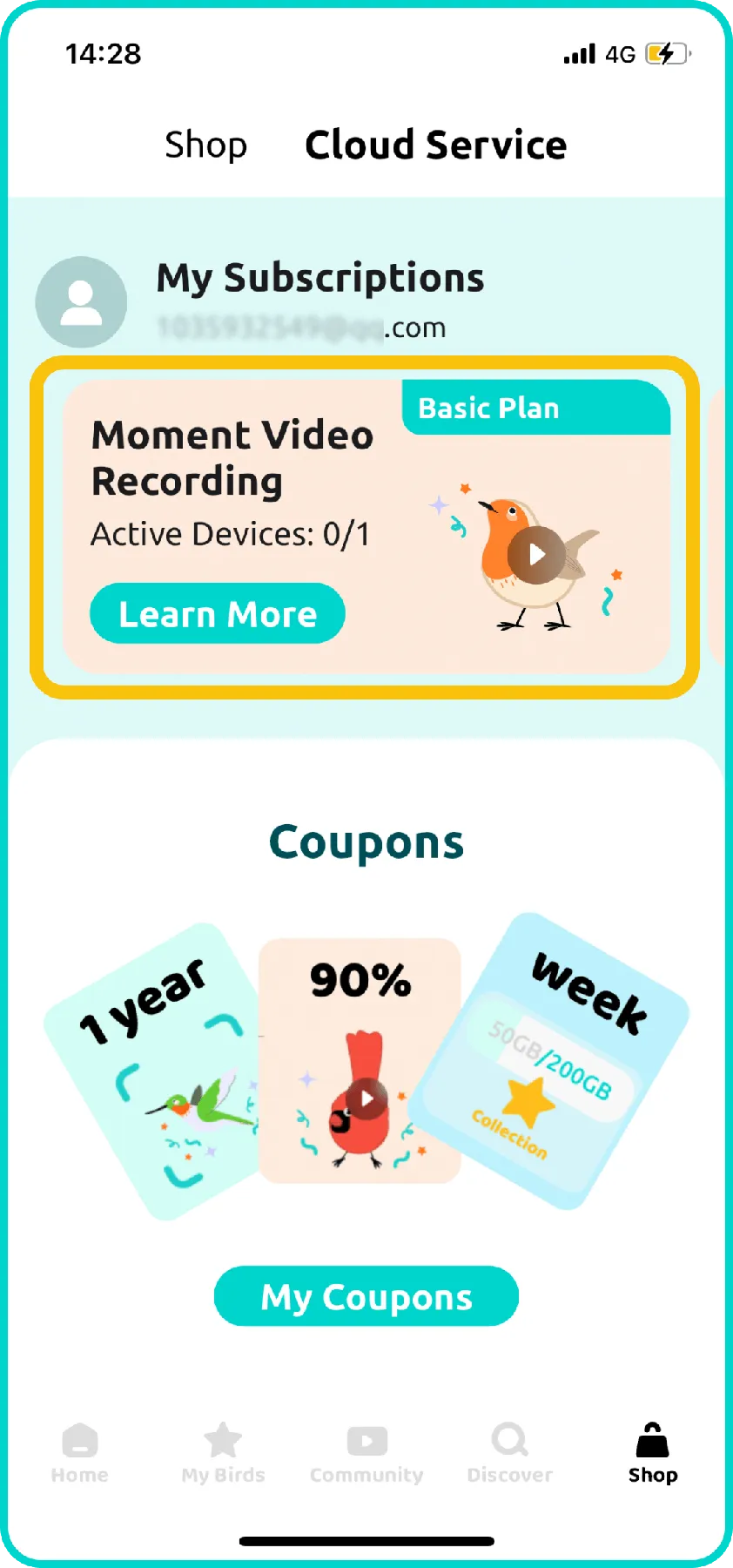
- The "My Subscriptions" page is divided into three sections:
- Section 1: View your current subscriptions. Tap "Learn More" for introduction on each service or tap the subscription card to view plan details and manage it.
- Section 2: Scroll down to see a list of all available cloud services.
- Section 3: Tap "My Coupons" to view any available coupons.
- Scroll to the service you want to subscribe to and tap it.
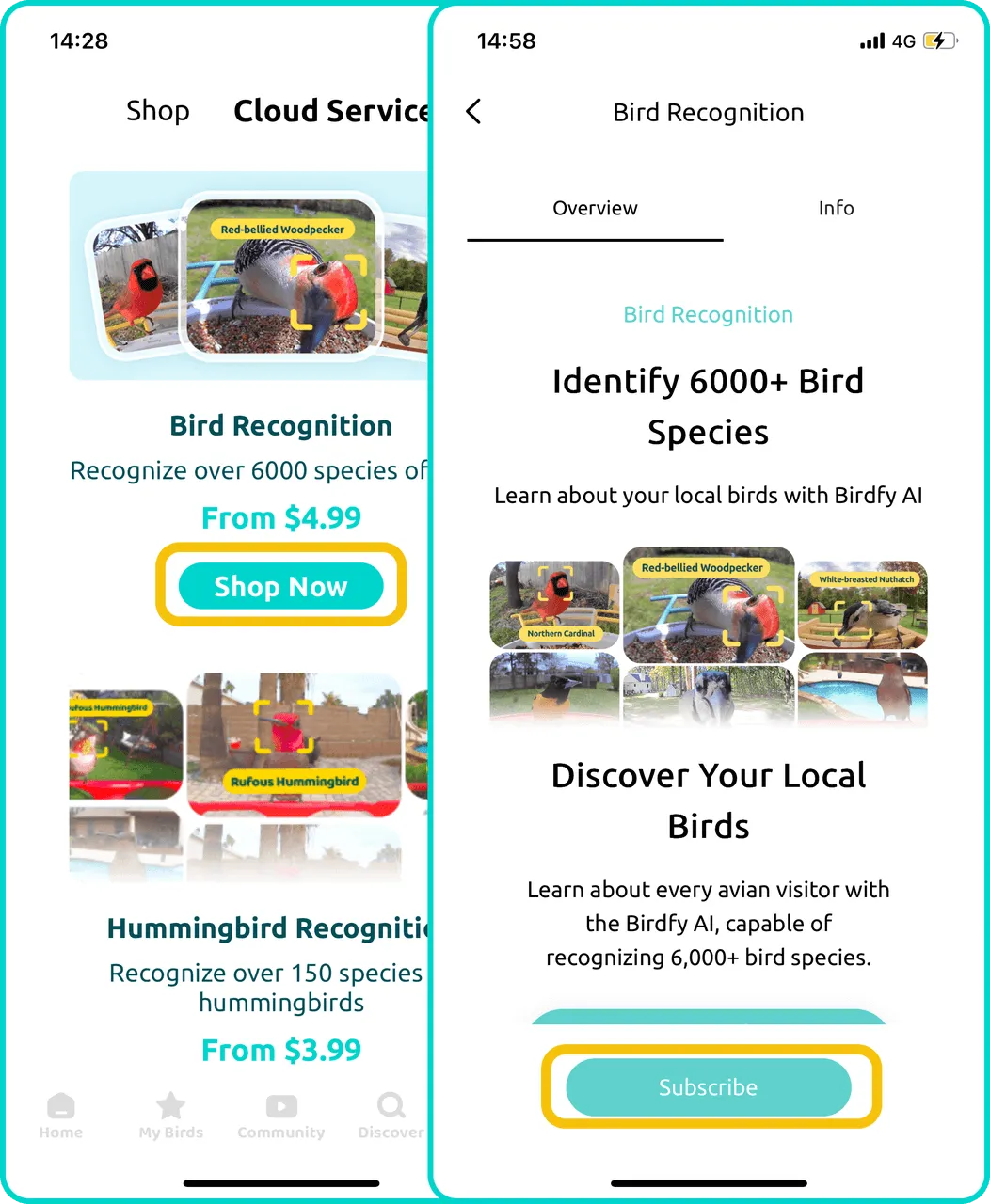
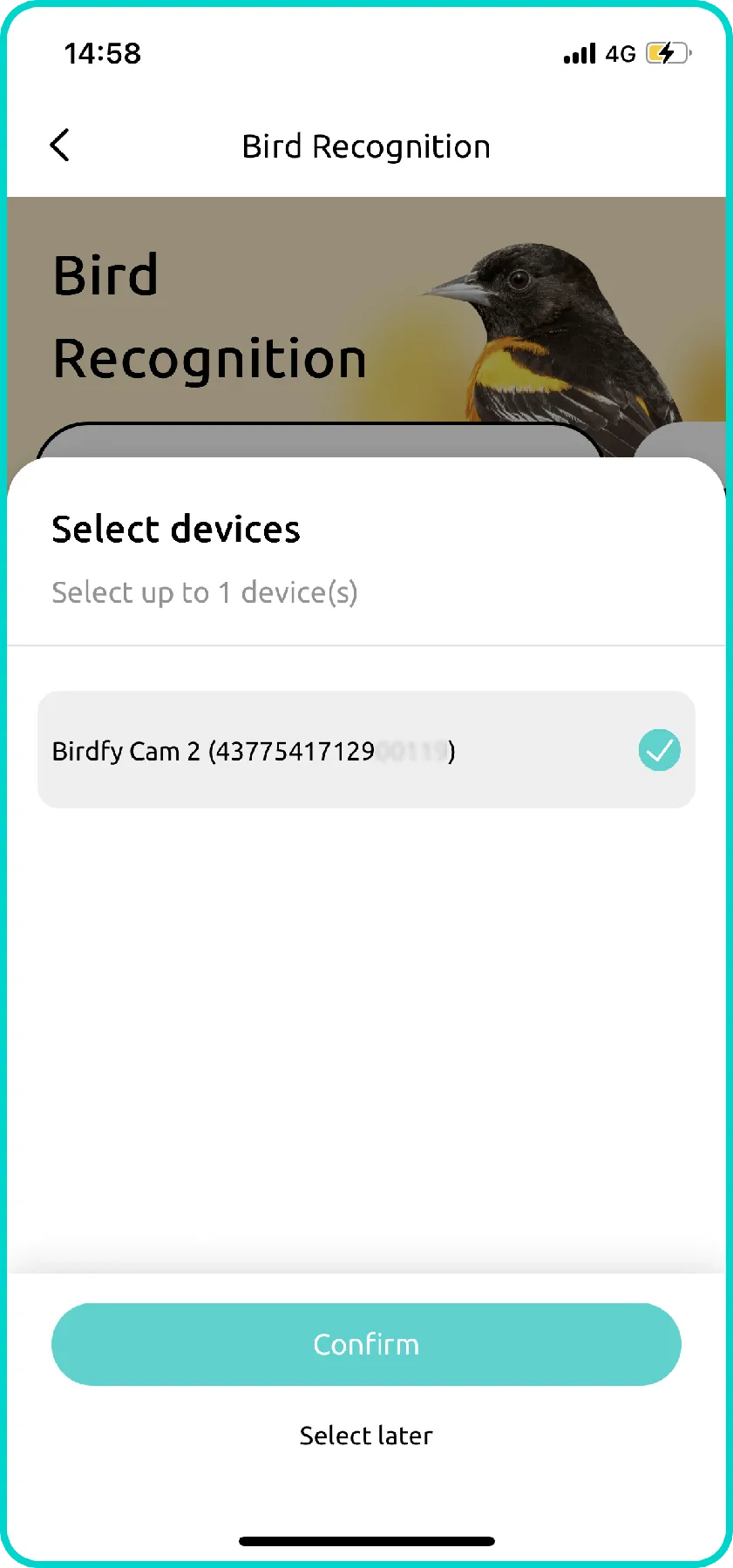
- Select the device to which you want to apply the service.
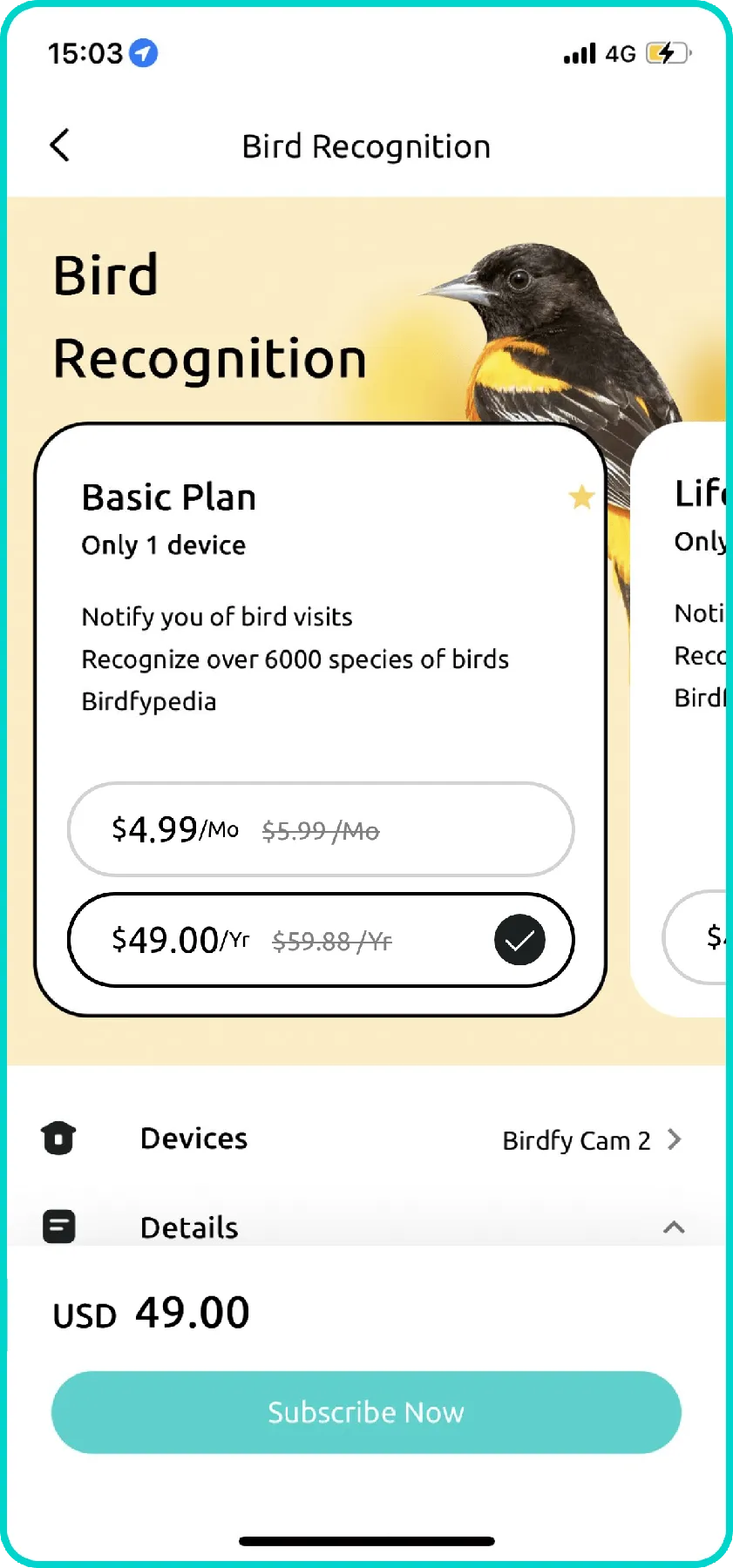
- Choose a plan, tap "Subscribe Now" to add a payment method and complete the purchase.
- Note: If you subscribe and pay with Apple Pay or Google Pay, prices may be slightly higher due to Apple/Google commissions, and coupons cannot be applied at this step. We recommend subscribing via my.birdfy.com instead.
- Note: If you subscribe and pay with Apple Pay or Google Pay, prices may be slightly higher due to Apple/Google commissions, and coupons cannot be applied at this step. We recommend subscribing via my.birdfy.com instead.
To unsubscribe:
- In the Birdfy app, navigate to the "My Subscriptions" page.
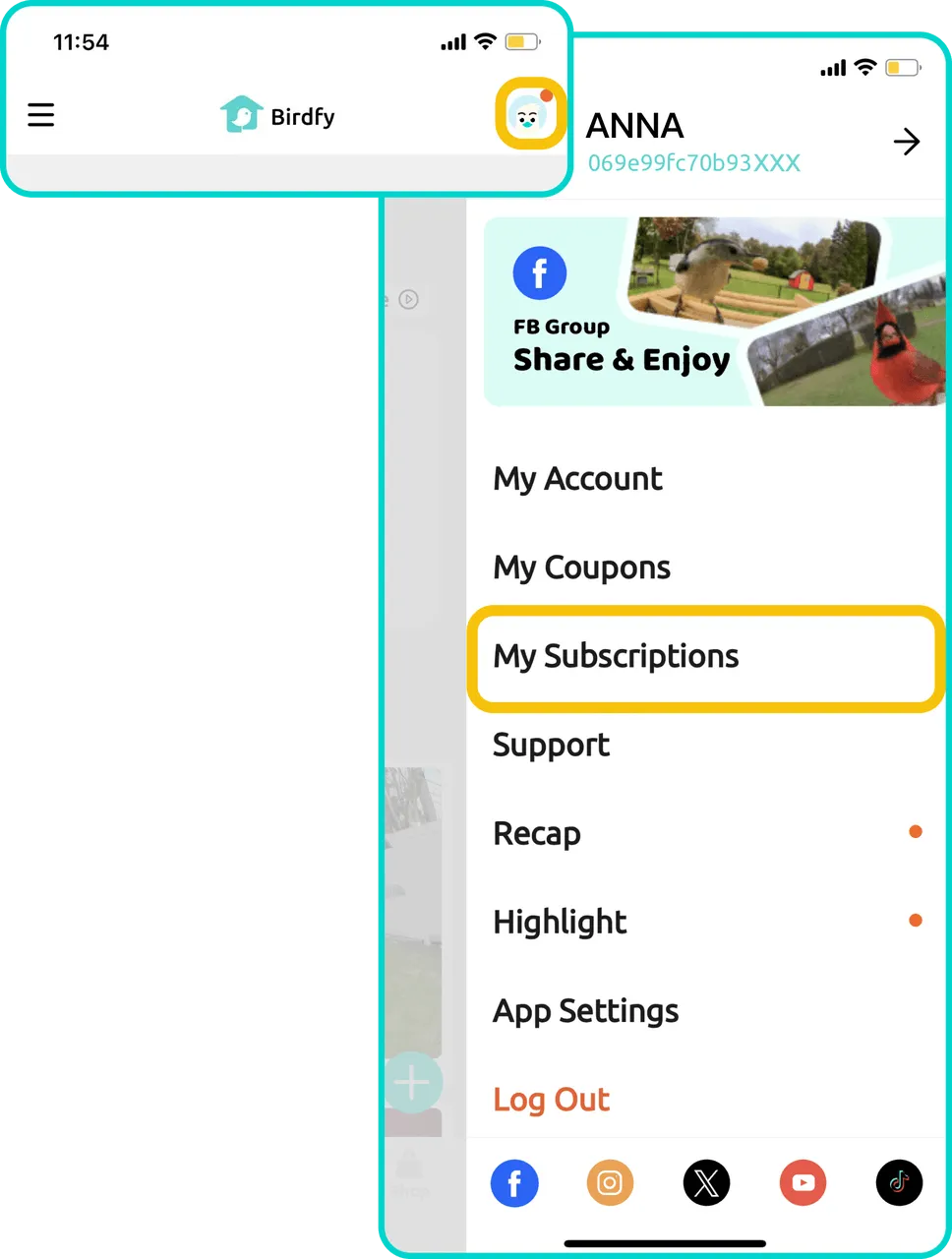
- Tap the cloud service subscription you want to cancel. Avoid tapping "Learn More," as this will take you to the introduction page. Instead, tap anywhere else on the cloud service card.
- On the "Subscription Details" page, scroll down and tap "Unsubscribe."
- For iOS users, please go to Settings > Apple Account > Subscriptions to unsubscribe.
- For iOS users, please go to Settings > Apple Account > Subscriptions to unsubscribe.