
Getting Started
Welcome to the Birdfy family! Let's get you ready for an exciting and delightful birdwatching adventure!
Step 1: Charge First
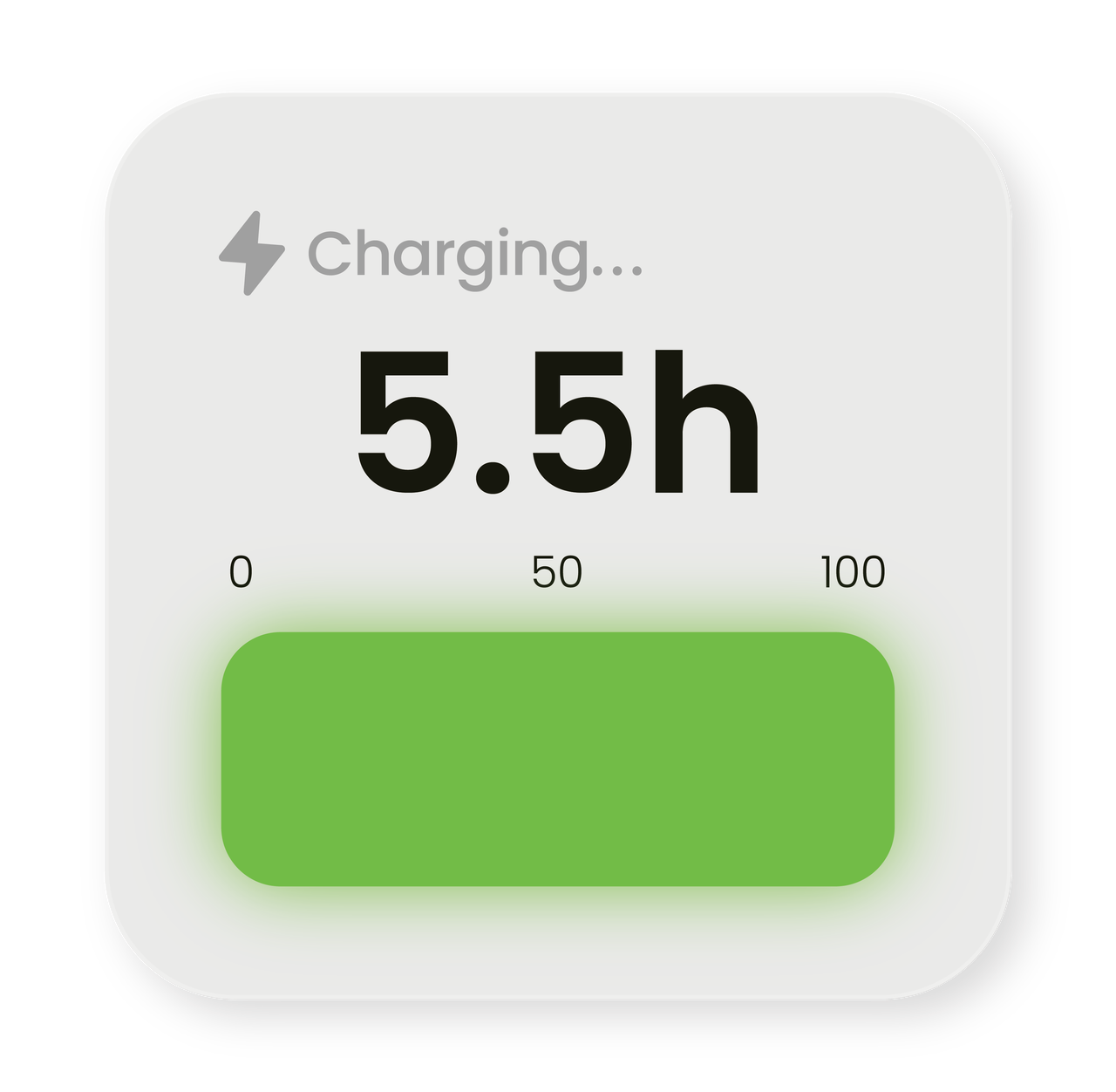
Upon receiving your Birdfy Cam 2 4K, refrain from assembling or setting it up outdoors right away. Use the provided USB Type-C cable to charge the camera module for a minimum of 5.5 hours.
A red light indicator will illuminate during the charging process. The red light will turn off once the camera is fully charged.
Step 2: Download the Birdfy App and Create an Account
Download the Birdfy app on your smartphone or tablet from the link below. Alternatively, you can search for Birdfy on the App Store, Google Play, or scan the QR code on the product packaging to download the app.


Step 3: Follow In-App Instructions to Pair Your Camera
Ensure that your phone is connected to a 2.4GHz/5GHz Wi-Fi network.
After installing the Birdfy app and setting up an account, tap the "+" icon at the bottom right corner to navigate to the "Add Device" page. Select Birdfy Cam 2 4K and follow the on-screen instructions to pair your camera. For detailed guidance, see Camera Pairing.
Step 4: Assemble the Product
With the camera fully charged and ready, it's time to prepare your Birdfy Cam 2 4K! Confirm that you have all the accessories listed in the User Manual. Follow the assembly instructions provided in the manual or visit Assembly and Device Care to know how to assemble your product.
Step 5: Set Up Your Birdfy Outdoors
-
Choose a Location with Strong Wi-Fi Signal
- Check your Wi-Fi signal strength by accessing Device Settings > Wi-Fi Analysis.
-
Connect the Camera to the Solar Panel
- Birdfy Cam 2 4K has a 2W solar panel. Ensure the camera is fully charged using a charger before connecting it to the solar panel to maintain charge levels.
Step 6: Embark on Your Birdwatching Adventure
Embark on a captivating birdwatching journey! Enjoy observing and appreciating birds from the comfort of your home. If you wish to delve deeper into birding or share your enthusiasm with like-minded people, join the Birdfy community on Facebook!